
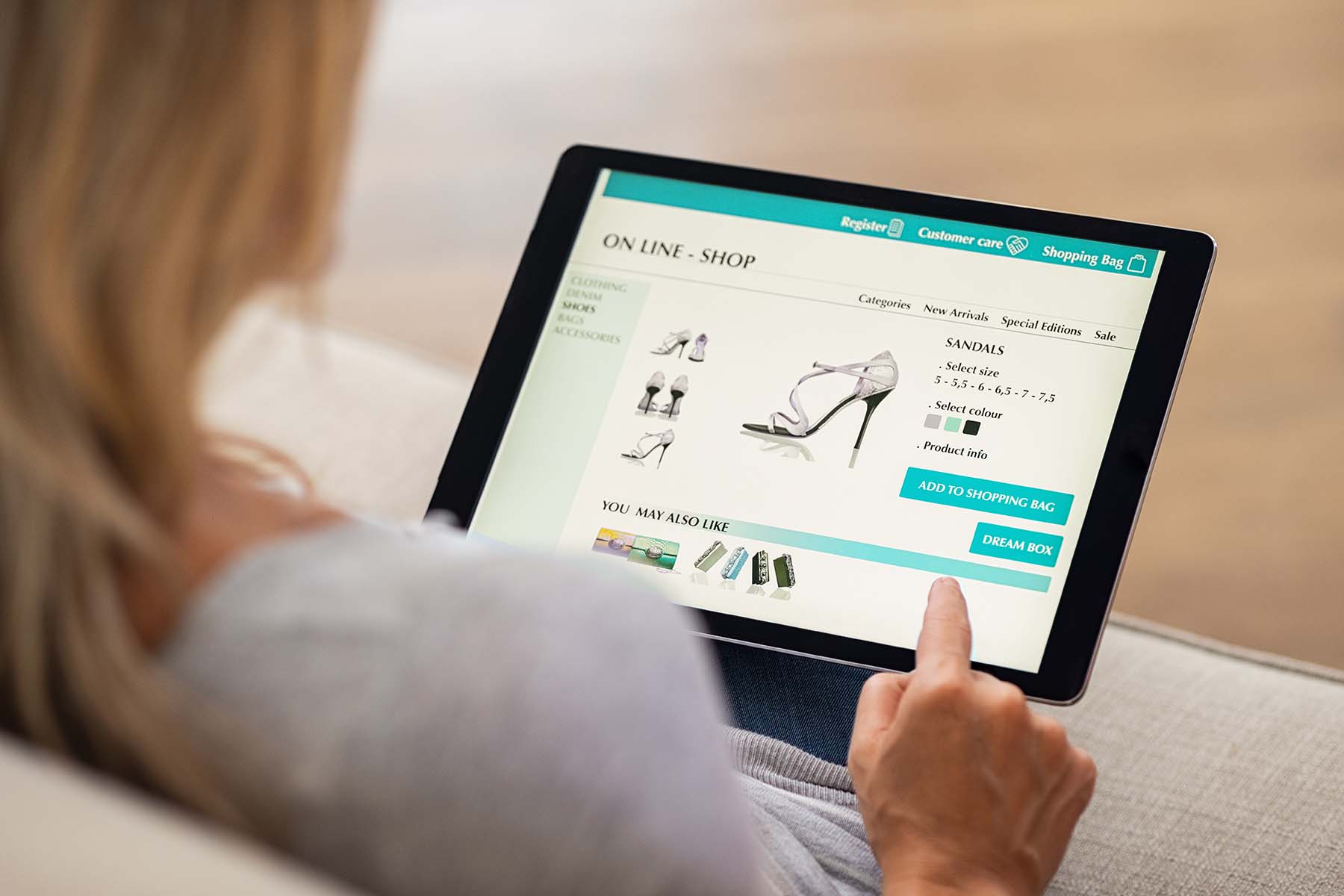


Your website can be designed to do your sales work for you. These 14 website tips can help you build a site your customers will buy from again and again.
To get started, you want to think through the sales process from your customer’s standpoint. What are the different steps that the customer progresses through?
On your website, you need to sell a customer more or less the same way you would if you were selling offline. However, there are some important differences. Most of all, the Internet is less personal, and visitors to your website can be much more fleeting. Your competition is just one click away, and most prospective customers will visit multiple websites.
Think of people visiting your website as your guests, not as a prospects. Think in terms of informing them on your website, not selling to them — and certainly not advertising to them.
Make sure your site doesn’t get in the way of your customers doing business with you. These 14 tips can help you improve your website so you can increase the sales and/or leads you get from website visitors.
1. Make it look professional
While there are still some pretty ugly websites that are relatively successful, for the most part, customers expect a company’s website to be neat and professional. Fonts, font colors, text size, and headline sizes should be standardized throughout the site and easily readable on desktop computers, laptops, and smartphones. Multicolored text, multiple colored circles or squares containing text, moving arrows, and other similar elements are confusing to the visitor and look amateurish. Keep in mind, too, that white text on a black background and black text on darker colors like reds or blues can be difficult to read.
2. Watch out for typos
Typos and errors such as phrases that could have multiple (sometimes laughable) meanings are easy to miss, especially when you’re the one doing the writing. They’re also easy to miss if your native language isn’t the same as the language of your website. For example, I once saw a jewelry site that had a half-carrot diamond ring on sale.
3. Make your site mobile-ready
If you’re using a storefront, WordPress, or some other website builder, look for “responsive” templates to use for your site. What these do is resize your web pages so they’re viewable on any size device. For the most part, that means shifting multi-column formats, so only one column appears on a smartphone, and reducing the width of each page so it can be viewed without scrolling from side to side.
4. Don’t hide what you sell
In many instances, the “content” that visitors want is information about the products they want to buy. If they can’t quickly find what they’re looking for, they’ll leave. They’ll leave if your pages take a long time to load, or it’s difficult to place an order, fill out a form, or see what’s in the shopping cart. They’ll leave and go buy from a competitor’s site that’s easier to use.
5. Categorize your offerings
If you sell a lot of different items, try to classify them in some way to make them easier to find. For instance, if you were selling jewelry, you might have one category for earrings, another for necklaces, and another for bracelets. If you have many types of items in each category, break the categories up into subcatergories, such as diamond earrings, gold earrings, silver earrings, or whatever is appropriate.
RELATED: How to Write Product Descriptions That Sell
6. Make your site easy to navigate
Businesses and consumers today have little time to waste. If they can’t find what they want quickly on your site, they’ll move on. To help them find their way around, be sure all of your pages have navigation links on them. These may be at the top of the page or the right side for desktop viewers. For mobile viewers, use a “hamburger” menu (that is, a symbol with three horizontal lines) and/or the word “Menu” to link to display the navigation when clicked. Include a search function on your site, as well.
7. Tell them how to reach you
Customers want to know who you are and how they can contact after they’ve made a purchase. In addition to including your phone number (along with your business hours) on every page, give people a way to contact you in email. The best way to do that is to link to a form that lets people indicate their name, their contact info, and their reason for contacting you. Be sure your business address is easy to find, too. Shoppers want to know that your company is a legitimate establishment and won’t disappear after they make their purchase.
8. Encourage browsing + impulse buys
Retail stores increase sales by putting items that make good impulse buys in near the checkout counter. You can do something similar on your website to increase product sales.
If you’re using an online storefront, one way to do this (if the software allows) is to include images showing related items when a customer clicks to add a product to their cart. If you have a blog on your site, include product photos in posts and link to related products that you sell. Post the same images in your social media and link them to your storefront. Run banner ads for your own products on editorial pages on your website, too. These ads will work like ads on the window of your favorite supermarket. They’ll remind visitors of goodies you have in other parts of your website.
9. Accept multiple types of payments
To maximize your sales, be sure you give customers as many methods for making purchases online as possible. In addition to accepting credit cards, you should be set up to accept PayPal, Venmo, and other payment systems. If you sell to corporations, you may need to accept checks or to receive payments via ACH transfer directly into your bank account. And while a majority of people buy directly online, some prefer to call in their orders. So, be sure to make your phone number visible on every page of your website. Have your programmer set up the phone number in click-to-call format for mobile users.
10. Sell from your Thank-You page
Customers who have just made a purchase are usually your biggest fans. Be sure you email a thank you note to them as soon as they have completed their purchase. In addition to thanking them for buying and letting them know when to expect delivery on shipped goods, add a line or two about other products they may be interested in (with links to purchase them, of course).
11. Include a feedback form
A feedback form serves three purposes. First, it gives your customers another way to reach you. Second, it lets you know what customers think about your products and services and what they wanted but can’t find. Finally, the feedback form is good for public relations. Having it on your site will help customers form an impression of your company as one that cares what its customers have to say. Put the feedback form where people can find it easily on your website. This might be on a navigational menu or as a text link.
12. Answer email and phone calls quickly
One of the leading attractions of the Internet is its immediacy. You can find information, shop for products, send and receive letters, place orders, send invoices, view pictures, and access documents 24 hours a day, seven days a week. But that’s also one of the leading disadvantages of the web — at least for small business owners.
Because the web and online services are available 24 hours a day, visitors expect them to be staffed around the clock, too. If they have a question, they expect to get a response in hours, not days. To keep customers happy, plan to answer all email and phone calls within 12 hours or less. If you can’t do this yourself, consider hiring a virtual assistant to handle inquiries. If you let customers buy online, be sure your online ordering system is set up to send out a thank you note as soon as the purchase is completed. Customers who make a purchase at 11 p.m. aren’t going to want to wait until 9 a.m. the following morning to have their order acknowledged.
13. Help people who stumble onto your website find their way back
When visitors find your website, they may save or print some of your information to read at a later time. To make sure they can find their way back, be sure that every page on your site includes the name of your website, your phone number, and your URL on the bottom of the page. To avoid typing that information in manually on every page, include it in the footer (the bottom section) of whatever template you use to create web pages.
14. Sign them up for an email list
Email is one of the best ways to turn one-time site visitors into customers, and to turn customers into repeat buyers. Put an email signup box on every page of your website. Most email service providers can provide you code to create that signup box. Better yet, offer the customer something such as a free downloadable booklet or a discount on future purchases if they sign up for your list. Then, send mail to your list regularly. You could announce new products, discounts, or provide industry or product information of interest to your customers. The more often you mail (within reason), the more repeat and new sales you’ll get.
RELATED: How to Get More Email Subscribers
Takeaways You Can Use
- You probably don’t need a fancy or large website.
- Your website should look professional, attractive, and friendly.
- You need to be able to take your prospects through each step of the sales process.
Here at ZenBusiness, we offer a powerful small business website builder with industry-leading features built right in. No coding or web development experience needed.





